Basics
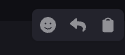
Add customs emojis, be able to forward messages, add custom themes, make it so when you double click a message it auto replies to it, add custom settings like vc timer, platform indicators, a notifier when a friend or gc removes you, silent typing, in built translation (right click —> translate), voice messages, in built (youtube) ad block if possible. Also make it that these 3 symbols don’t always show up, it kind of irritates me, takes to much vision out of my screen.
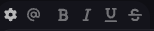
Also, with all due respect, please remove this tool bar above my typing column. This isn’t google docs or microsoft word, it’s flackle. Add an option to hide this or make it better.
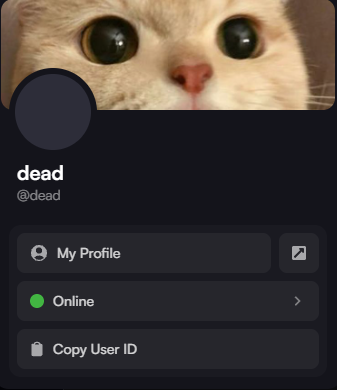
With profiles, it looks blunt / dry, add an option to change the color please.
For now, that’s it, I’ll give more feedback when time is due. Keep it up.
- D
- Platform
- Windows
Log in to comment and vote
Comments3
Zach
Oct 9
Hey @dead
Going through your feedback here, first of all thank you!
We have the following already noted & planned:
Custom emoji packs across servers and DMs
Message Forwarding
For the typing toolbar, you can turn this off in Chat Settings by clicking the cog wheel in that toolbar. Toggle off “Always-on message input formatting”
For your feedback on:
Double click a message to reply
Adding a VC timer
Platform indicators
A notifier when a friend or groupchat removes you
Silent typing
Built in translation
Voice messages
Built in YouTube adblock
Holding shift to reveal message actions
and more profile customization
Please make separate posts for each of these for us to track individually better. Thank you!
dead
Oct 8
Please for the love of god, at least show some details when i minimize it about who is in a vc, this just looks so blunt and dry.
dead
Oct 8
For example: When on a message, hold shift to show the other features (copy, delete, react, yada yada)
Linked to Custom Themes
Linked to Message Forwarding
Linked to Custom emoji packs across servers and DMs